
Context switching steals your calm
Tabs multiply and tasks fragment — and your focus never gets the quiet time it needs.
Try this: one daily focus window. Two 45/15 sprints. Protect them gently.

Tools and systems I use to plan my week with clarity and ease.
Calm ideas that shaped these tools.
Most creators don’t run out of talent — they run out of clean attention.
Tabs multiply and tasks fragment — and your focus never gets the quiet time it needs.
Try this: one daily focus window. Two 45/15 sprints. Protect them gently.
Each new app resets habits and scatters notes, files, and decisions — instead of helping you settle into a rhythm.
Try this: one notes app. One planner. One clear home for everything.
Without a small pause, the same blockers return — just with new dates.
Try this: 3 wins · 1 blocker · 1 tiny change — once a week.
This isn’t an app problem. It’s a rhythm problem. See the calm fix — the 3 pillars
Plan with rhythm. Ship with clarity. Keep tools simple.
A weekly plan with humane blocks and a daily top-3 to keep priorities visible.
One calm workflow from idea to publish — so shipping feels light and doable.
Fewer apps, fewer resets. Everything has one clear home.
A gentle example of how I plan, focus, ship, and reflect — without overloading my week.
| Day | Plan | Sprint A (45/15) | Sprint B (45/15) | Ship | Reflect |
|---|---|---|---|---|---|
| Mon | Outline “Calm System” video · Prep newsletter |
Script intro + hook |
B-roll list + sticky notes |
Publish IG reel teaser |
Win: clear hook · Blocker: audio hiss · Change: test mic early |
| Tue | Newsletter draft · 2 thumbnails |
Write sections 1–2 |
Thumbnail explorations |
Send draft to review |
Win: tighter subject · Change: template start |
| Wed | Film A-roll |
Film part 1 |
Film part 2 |
Back up footage |
Win: good light · Blocker: battery · Change: recharge |
| Thu | First edit · captions |
Rough cut timeline |
Captions + b-roll |
Upload unlisted |
Win: clean pace · Change: shorter intro |
| Fri | Publish + weekly review |
Final pass & export |
Prep newsletter + socials |
Publish video + post |
3 wins · 1 blocker · 1 tiny change |
I use Notion/xTiles + Google Calendar. Paper works too.
Start here
Choose the calm reset that fits your week.
I built these tools for creators who feel busy but not clear.
They’re gentle, simple, and designed to reduce friction — not add more tasks.
Start with the Bundle if you want the full reset, or the Toolkit if you want one calm foundation.
Start with the Bundle for the full reset. Choose the Toolkit for one calm foundation.
Instant access. One-time purchase.
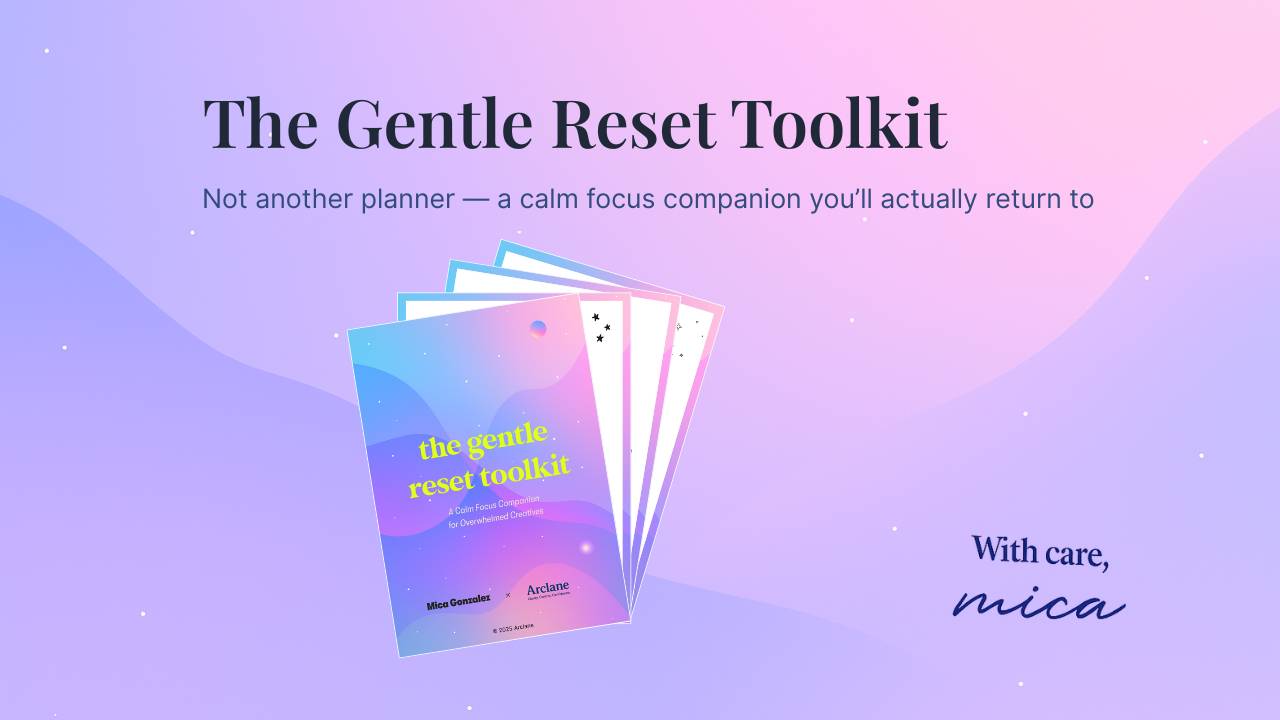
One calm foundation for your week — without pressure.
Perfect if you want one place to return to.
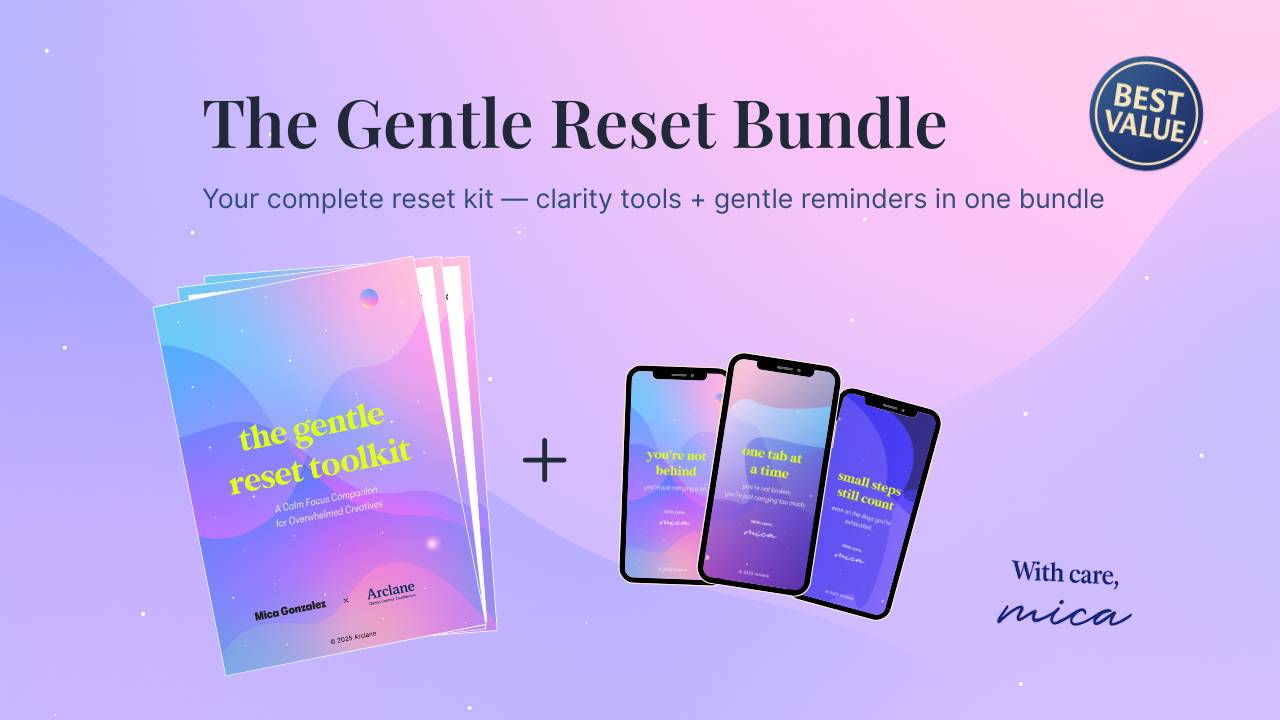
The complete calm reset — structure + gentle reminders in one.
Best first step if you want the full reset. Save €2 vs. buying separately.
Start with the Bundle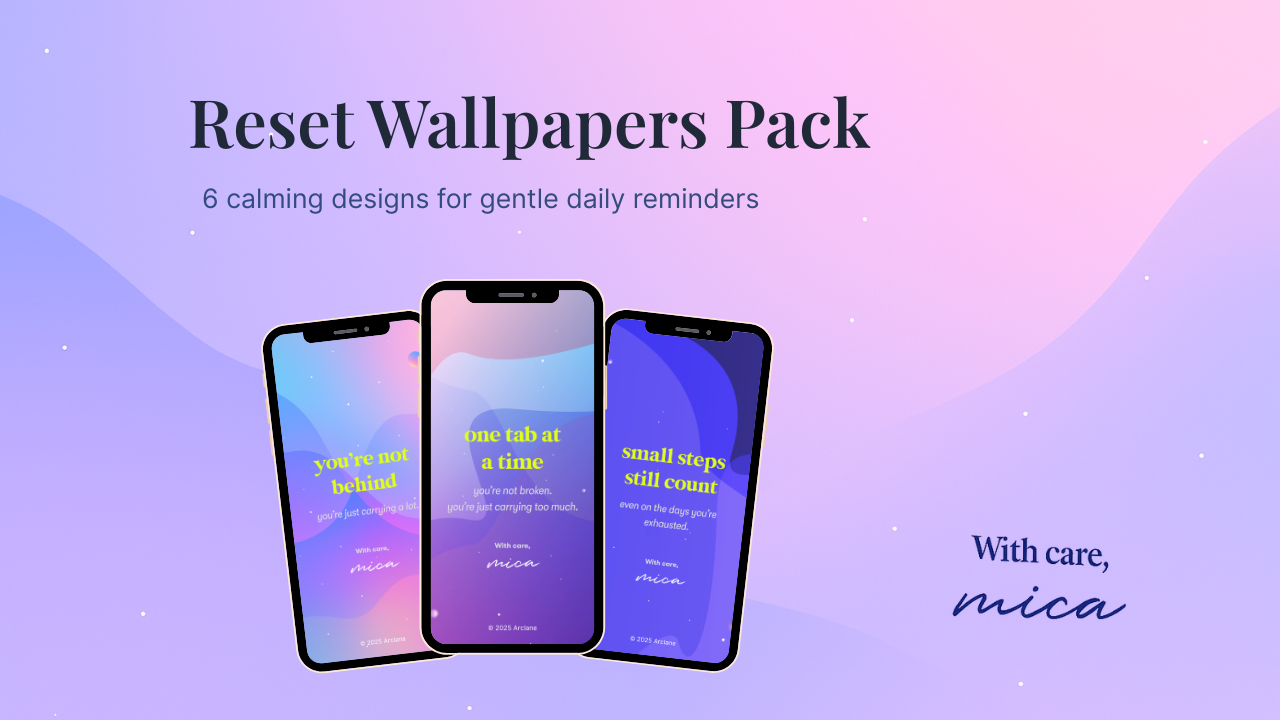
Gentle reminders you’ll actually see.
Best as an add-on to the Toolkit.
A small nudge, not a full reset.
Secure checkout · Instant access · One-time purchase (no subscriptions)
A gentle preview — not the full tool
This is a calm snapshot of the One-Tab Reset.
The full, reusable, and print friendly version is included in the Toolkit & Bundle.
Preview only — the full reset lives inside the Toolkit
Gentle Notes
Small reflections from people who chose calm over pressure.
Quick answers, so you can choose calmly.
Most people pick the Bundle — the Toolkit gives you a kind weekly structure, and the Wallpapers add gentle, daily nudges. Together they work best and cost less than buying both separately. If you want to start tiny, begin with Wallpapers; if you want the full reset, go with the Toolkit — the Bundle is the “no-brainer” if you already know you’ll use both.
Morning / Midday / Evening prompts, “Anytime” clarity tools, and a Weekly Reset. It’s lightweight and kind — no pressure, no perfectionism — just a calm rhythm to return to.
Tiny visual reminders to slow down, reset, and refocus. They don’t replace a planner — they support it. Paired with the Toolkit, they turn intention into gentle daily follow-through.
No. Everything is printable and tool-agnostic. Use paper, tablet, Notion, xTiles — whatever feels calm and simple.
Yes. It’s built for realistic weeks: 5–10 min in the morning, a 2–3 min midday check-in, and a kind 5-min evening wrap. Weekly reset ~15–20 min.
It can — but it doesn’t have to. Most people keep their planner and use the Toolkit for the weekly rhythm, plus Wallpapers as quiet prompts between tasks.
No. Start where you are. One tiny prompt is enough. The system is intentionally light and forgiving — you can’t “fall behind”.
No printer required. The PDF is device-friendly (great in GoodNotes / Notability) and also prints well on A4 or US Letter.
You get instant access after the checkout, plus an email with the login-link to your own Library. You can re-download and revisit anytime and anywhere.
